
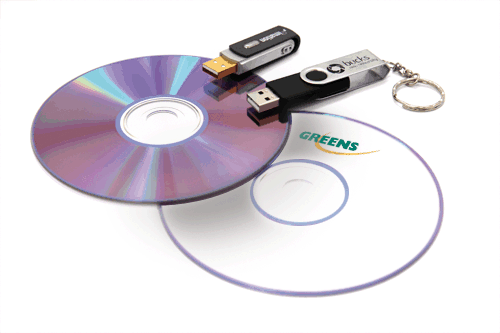
For this we would be using two softwares which are free to use and will make the life easier. One program is CDBurnerXP and the other one is Rufus.
CDBurnerXP is a free application to burn CDs and DVDs, including Blu-Ray and HD-DVDs. It also includes the feature to burn and create ISOs, as well as a multilanguage interface.
Rufus is a utility that helps format and create bootable USB flash drives, such as USB keys/pen drives, memory sticks, etc.
1) Download and Install CDBurnerXP
2) Once downloaded open the program and simply select " Burn ISO image "

To Create a bootable USB follow the steps below
1) Download and Run Rufus
2) Open the program and select the appropriate options
